ZERO LCD Throttle for ZERO 8 8X 9 10 and 10X
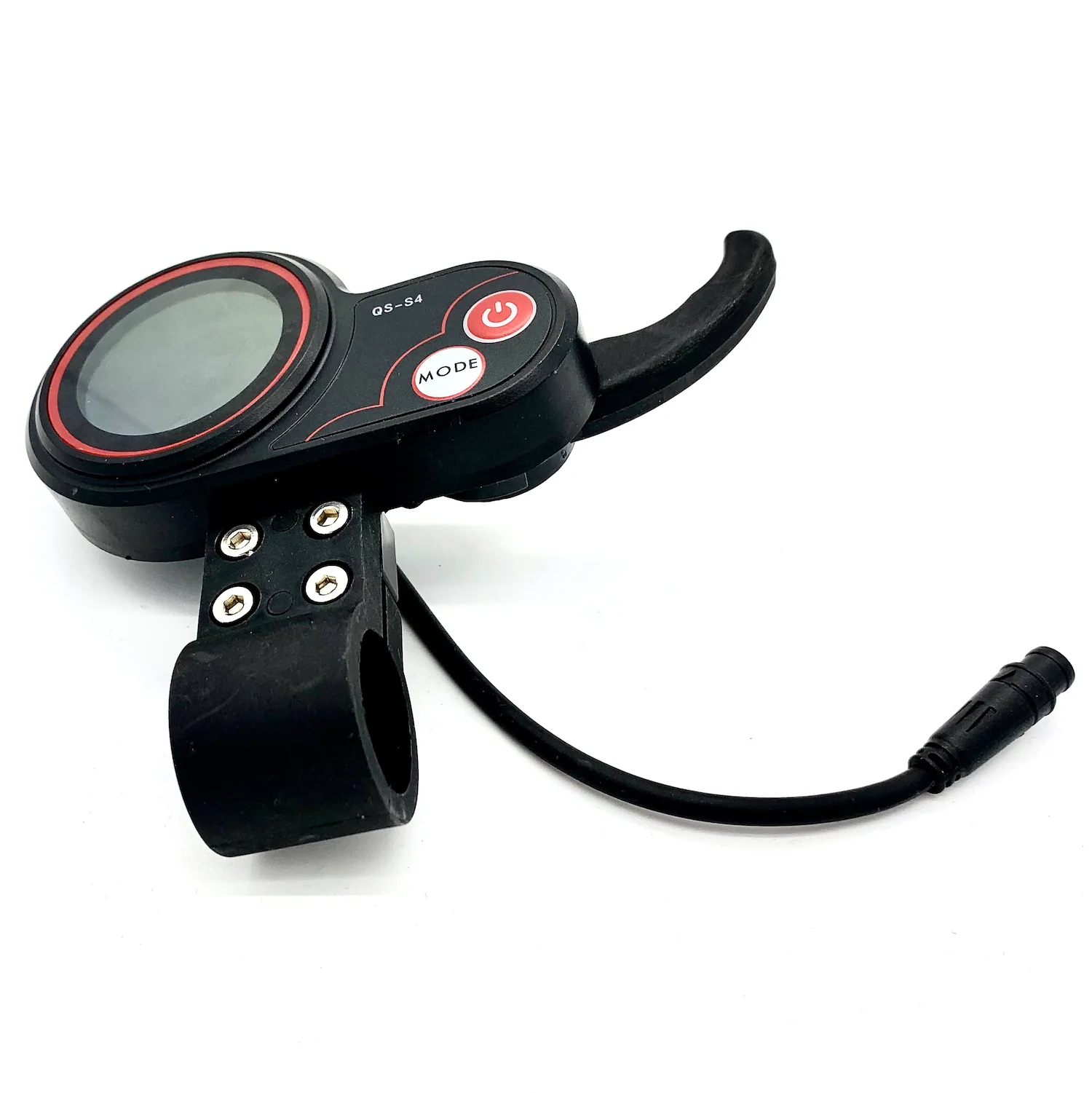
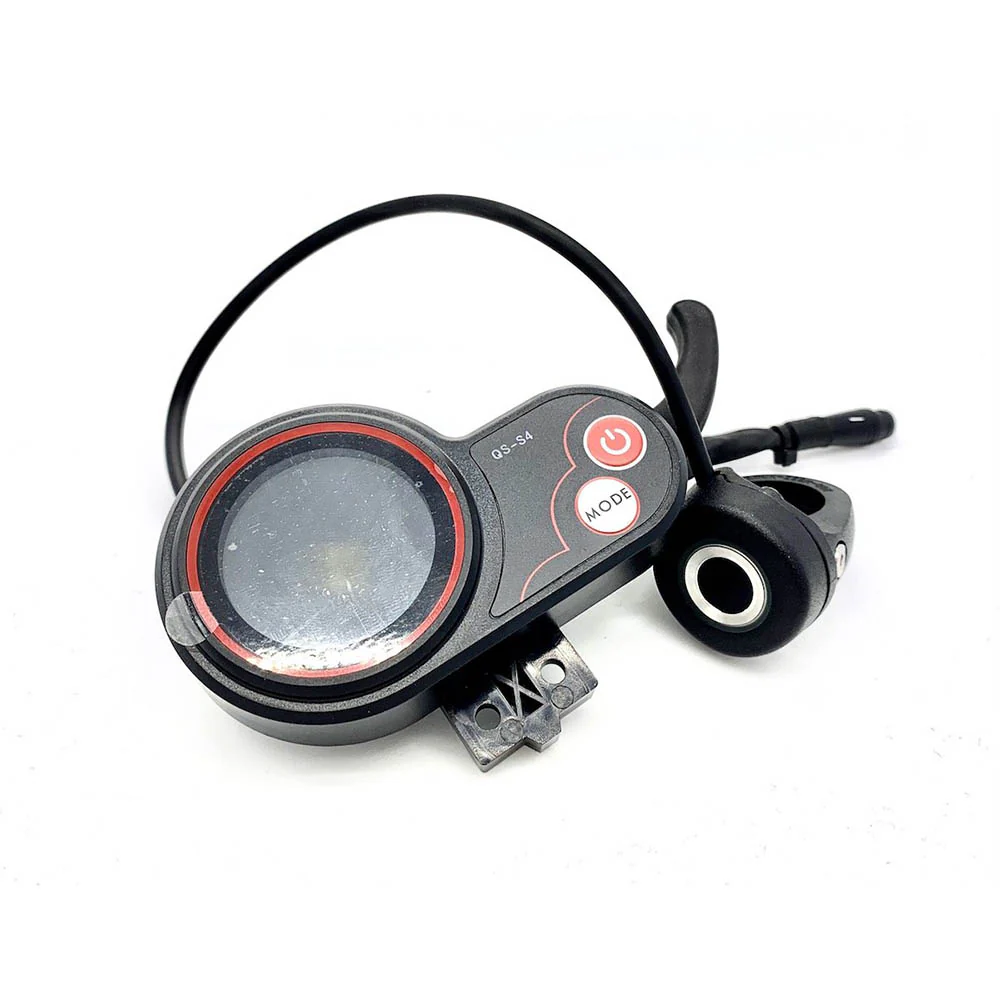
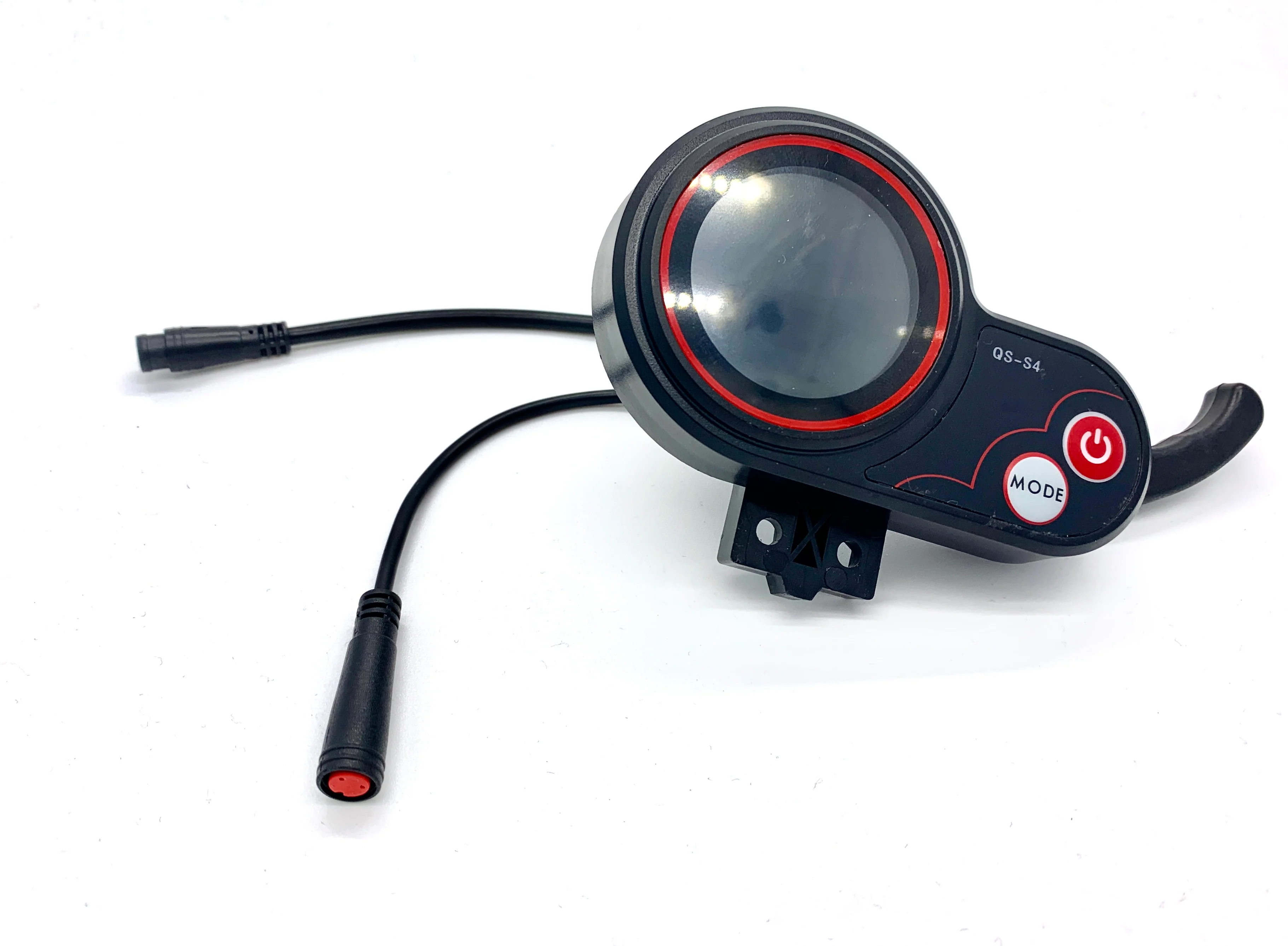
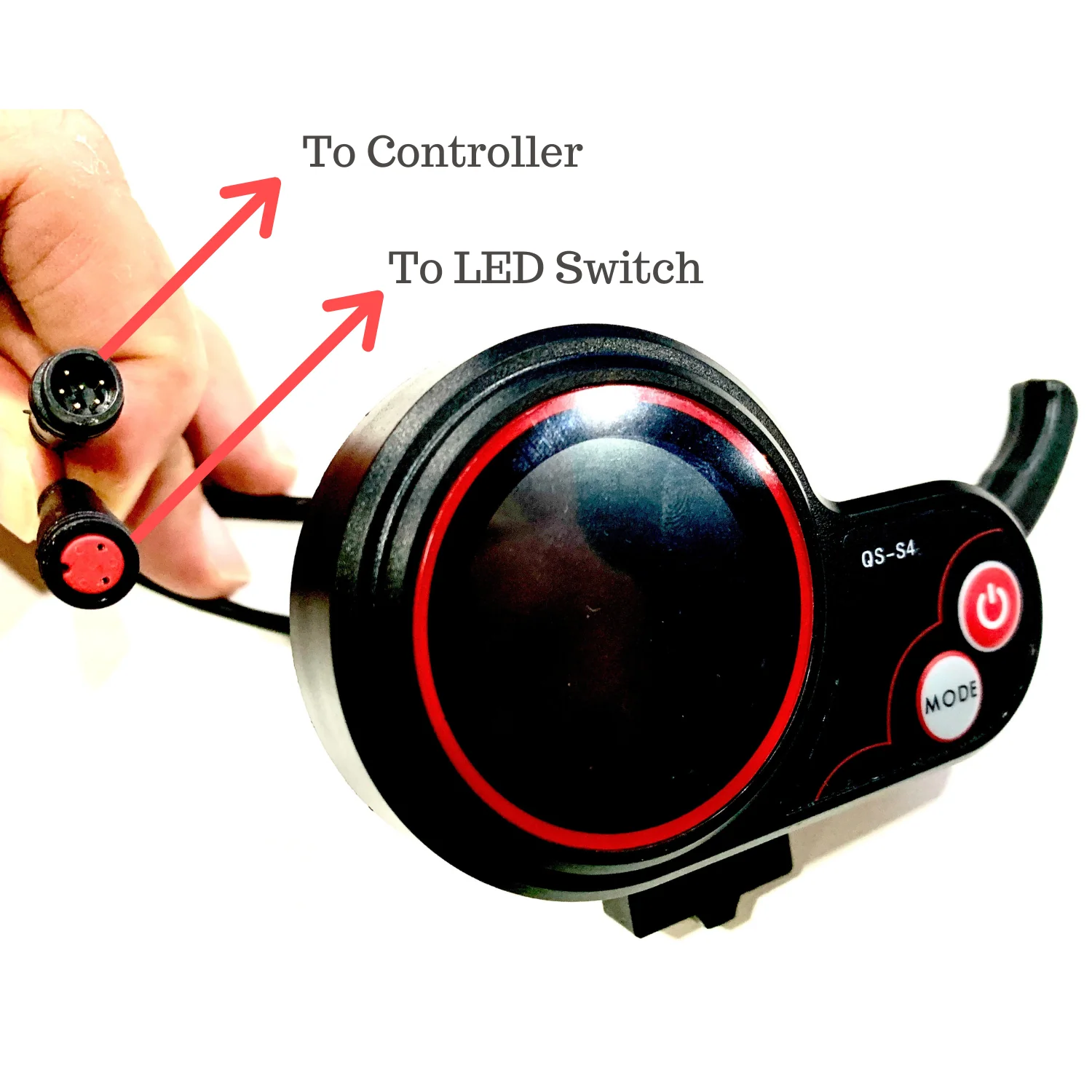
ZERO Scooter LCD Throttle for ZERO 8, 9, 10, 10X, 8X
The ZERO LCD is compatible across all the ZERO models so this ZERO LCD applies to 8, 8X, 9, 10, 10X models ONLY.
If you are looking for a 72V ZERO 11X LCD model, please check out here.
For security, you can choose 2 types of lock: key lock or fingerprint lock.
If you are looking for the upgraded ZERO LCD with 12V power supply, here.
[product_description]
This tutorial only applies in particular to the QS-S4 ZERO LCD throttle. You may not need to replace the whole throttle in case it is broken. We do have spare throttle levers as a spare part too.
Here are the extent of the settings:
1. P01 - LCD brightness level (1, 2, 3)
2. P02 - Mileage display in km or miles
3. P03 - Voltage level of machine (24, 36, 48, 52, 60V)
4. P04 - 1-60 mins before machine goes to sleep with inactivity
5. P05 - N/A
6. P06 - Wheel diameter in inches
7. P07 - No. of magnets on motor (Default 30)
8. P08 - Power Level (0-100)
9. P09 - Zero start or kickstart
10. P10 - N/A
11. P11 - Electronic braking on or off
12. P12 - Soft or high acceleration (1 is softest start; 5 is highest torque)
13. P13 and P14 - N/A
14. P15 - Controller cutoff voltage
15. P16 - Zero-ing of ODO
16. P17 - cruise mode
17. P18 to P20 - N/A
Fault Codes (see video on how to resolve the fault codes)
2 - brake
4 - 6kmh cruise
6 - battery undervoltage
7 - motor faulty
8 - throttle faulty
9 - controller faulty
10 - faulty comms between controller and LCD
11 - faulty comms between controller and LCD
12 - BMS failure
13 - headlight failure
Here is a video explanation:
Thumb Throttle Option
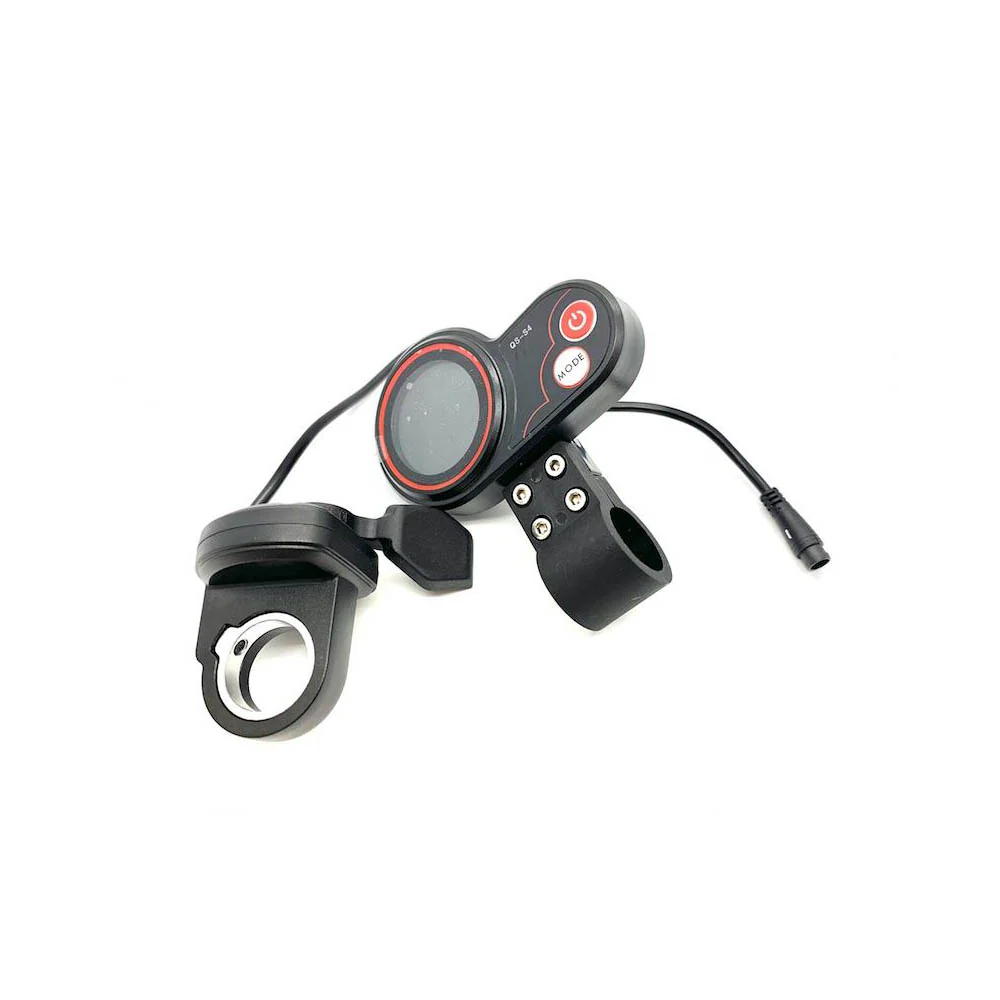
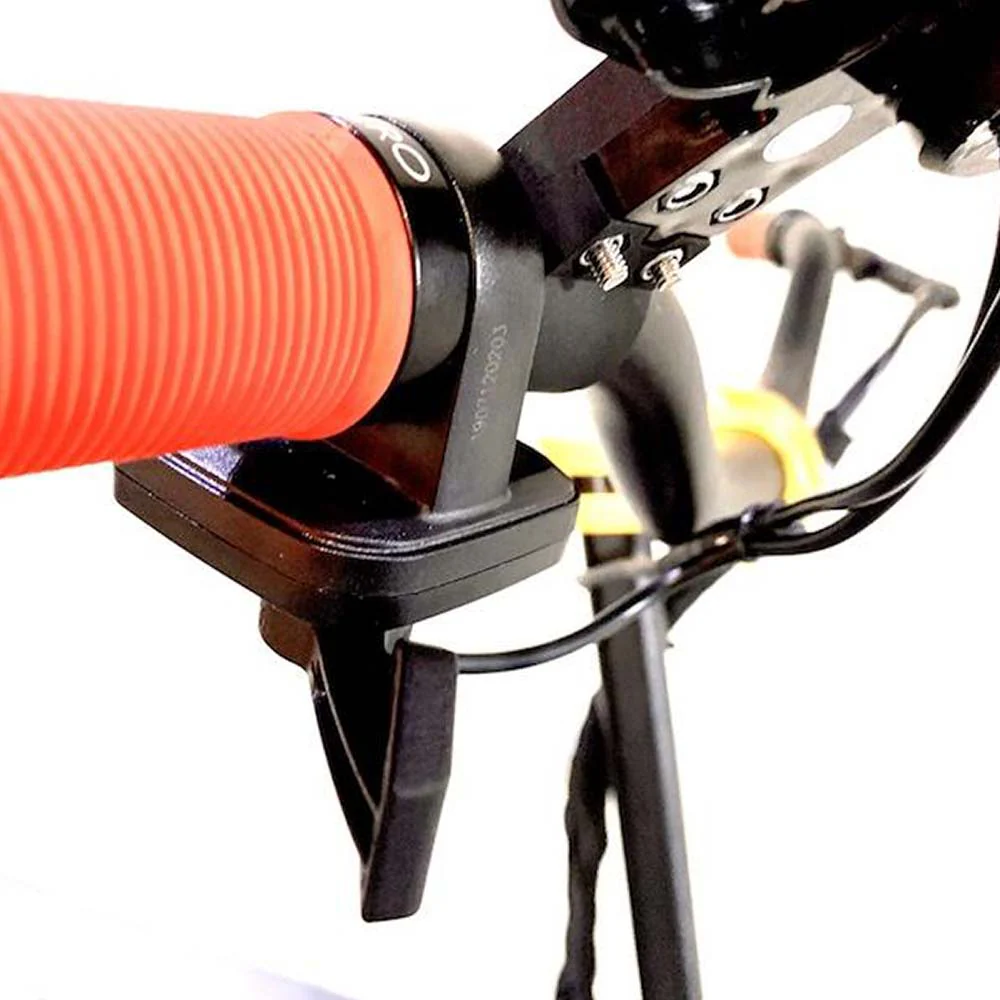
We have also made a custom thumb throttle option that will be easier to throttle for some users. There is finer control with thumb throttles.
This works the same way as the stock ZERO QS-S4 throttle except the throttle lever is pushed by the thumb instead of being triggered by the fore finger.


Locking System
Together with the ZERO LCD, we provide 2 different integrated locking system: the ordinary key lock and the biometric fingerprint lock.
The key lock comes with 2 spare keys for you while the finger print lock enables 14 different fingerprints to be stored so you can pass on the ebike or e-scooter to be used by anyone of your choosing.
For both locking systems, the LCD will not be activated if the key or the fingerprint locks are not unlocked.
[/product_description]
[more_info]
ERROR Code Resolution
If you experience any ERROR message on your ZERO LCD display, do check out the video below on how to decipher and resolve the errors. We show how to resolve the most common error codes below:
[/more_info]
Original: $29.00
-65%$29.00
$10.15Product Information
Product Information
Shipping & Returns
Shipping & Returns
Description
ZERO Scooter LCD Throttle for ZERO 8, 9, 10, 10X, 8X
The ZERO LCD is compatible across all the ZERO models so this ZERO LCD applies to 8, 8X, 9, 10, 10X models ONLY.
If you are looking for a 72V ZERO 11X LCD model, please check out here.
For security, you can choose 2 types of lock: key lock or fingerprint lock.
If you are looking for the upgraded ZERO LCD with 12V power supply, here.
[product_description]
This tutorial only applies in particular to the QS-S4 ZERO LCD throttle. You may not need to replace the whole throttle in case it is broken. We do have spare throttle levers as a spare part too.
Here are the extent of the settings:
1. P01 - LCD brightness level (1, 2, 3)
2. P02 - Mileage display in km or miles
3. P03 - Voltage level of machine (24, 36, 48, 52, 60V)
4. P04 - 1-60 mins before machine goes to sleep with inactivity
5. P05 - N/A
6. P06 - Wheel diameter in inches
7. P07 - No. of magnets on motor (Default 30)
8. P08 - Power Level (0-100)
9. P09 - Zero start or kickstart
10. P10 - N/A
11. P11 - Electronic braking on or off
12. P12 - Soft or high acceleration (1 is softest start; 5 is highest torque)
13. P13 and P14 - N/A
14. P15 - Controller cutoff voltage
15. P16 - Zero-ing of ODO
16. P17 - cruise mode
17. P18 to P20 - N/A
Fault Codes (see video on how to resolve the fault codes)
2 - brake
4 - 6kmh cruise
6 - battery undervoltage
7 - motor faulty
8 - throttle faulty
9 - controller faulty
10 - faulty comms between controller and LCD
11 - faulty comms between controller and LCD
12 - BMS failure
13 - headlight failure
Here is a video explanation:
Thumb Throttle Option
We have also made a custom thumb throttle option that will be easier to throttle for some users. There is finer control with thumb throttles.
This works the same way as the stock ZERO QS-S4 throttle except the throttle lever is pushed by the thumb instead of being triggered by the fore finger.
Locking System
Together with the ZERO LCD, we provide 2 different integrated locking system: the ordinary key lock and the biometric fingerprint lock.
The key lock comes with 2 spare keys for you while the finger print lock enables 14 different fingerprints to be stored so you can pass on the ebike or e-scooter to be used by anyone of your choosing.
For both locking systems, the LCD will not be activated if the key or the fingerprint locks are not unlocked.
[/product_description]
[more_info]
ERROR Code Resolution
If you experience any ERROR message on your ZERO LCD display, do check out the video below on how to decipher and resolve the errors. We show how to resolve the most common error codes below:
[/more_info]